
Step 1
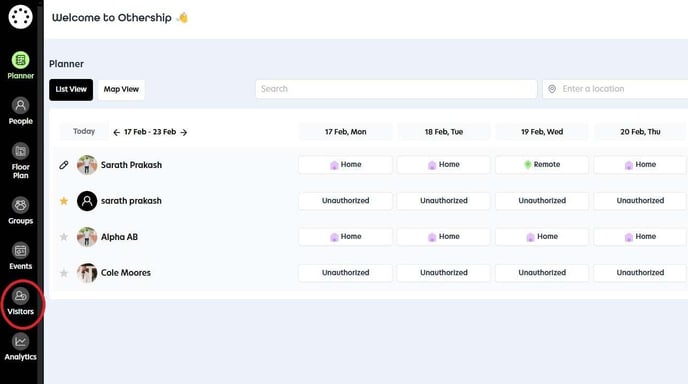
Navigate to the Visitors section.
Step 2
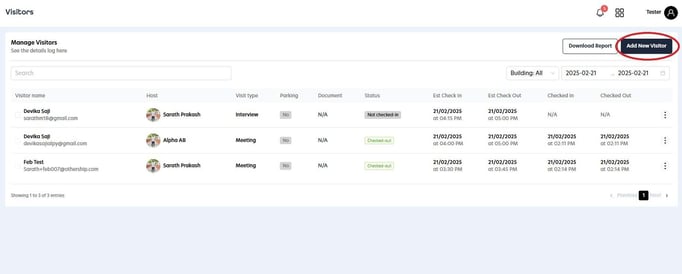
Click on the 'Add New Visitor' button to proceed.
Step 3
Input all necessary visitor information, including name, email, building, date and time, and visit type. Additionally, you have the option to assign a parking space for the visitor. Once you have filled in all the details, click on 'Save Details' to complete the process.
-2.jpg?width=688&height=539&name=Untitled(1)-2.jpg)