Step 1
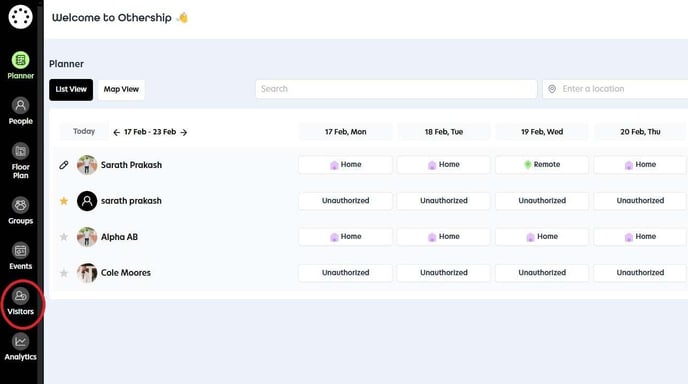
Navigate to the Visitors section.
Step 2
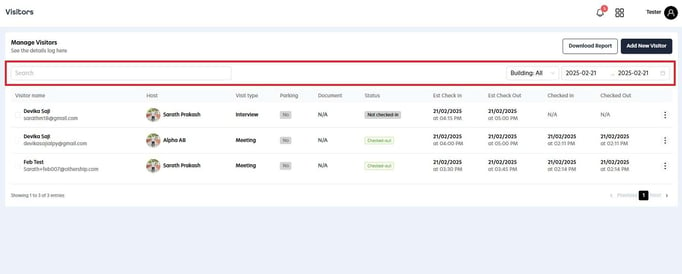
In the Manage Visitor section, you can easily search for a visitor by name, as well as choose the relevant building and date for their visit.
Step 3
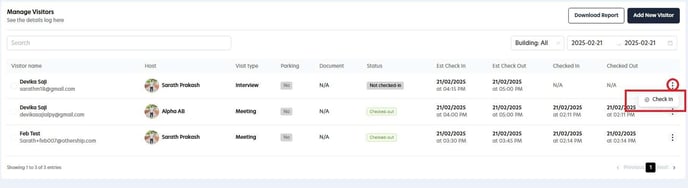
Select the menu icon next to the visitor you wish to check in, then choose the "Check In" option from the dropdown list. Once the check-in is successfully completed, you can return to the same menu icon to check them out if needed.