How to integrate the Othership Workplace Scheduler to Microsoft Teams?
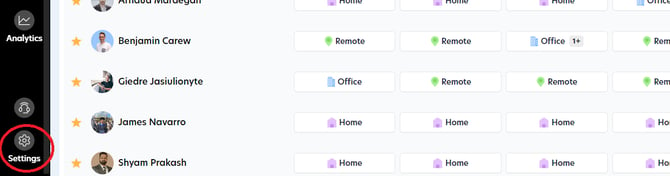
Step 1
Head to 'Settings'.
Step 2
Choose 'Organization Integrations'.
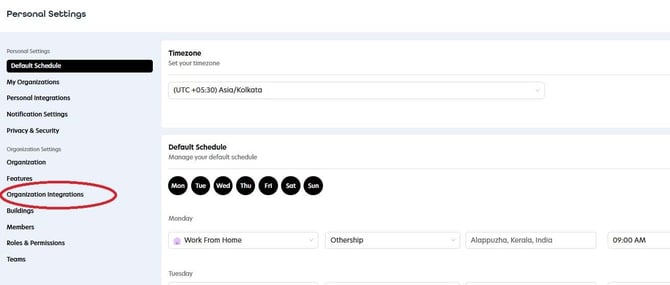
Step 3
Click on the 'Connect' button within the Microsoft Teams tab to initiate the download of a required file.
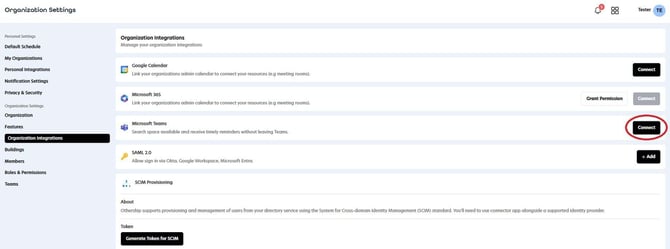
Step 4
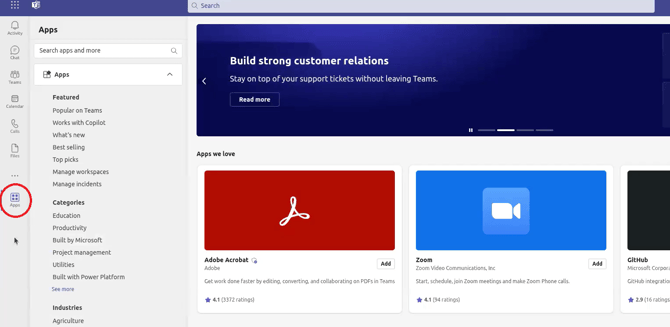
Log in to your Microsoft teams account then click on the Apps.
Step 5
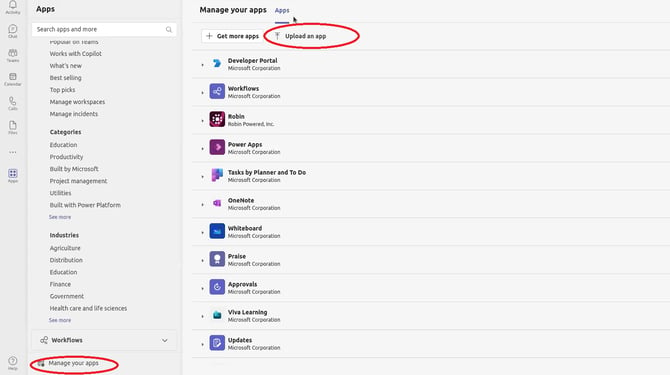
Select 'Manage your apps' and then choose 'Upload an app' from the menu.
Step 6
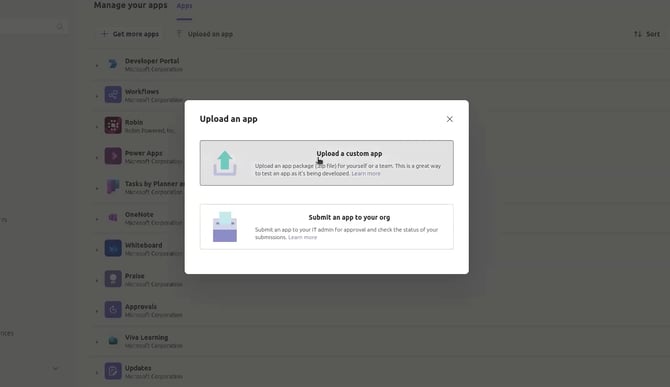
Choose the first option if you are integrating the app for yourself, or select the second option if you are integrating it for your organization.
Step 7
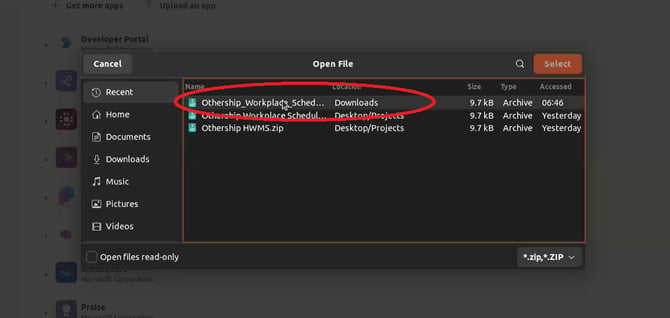
Proceed to upload the file that you have downloaded.
Step 8
Click on the 'Add' button to complete the integration process. You are almost finished!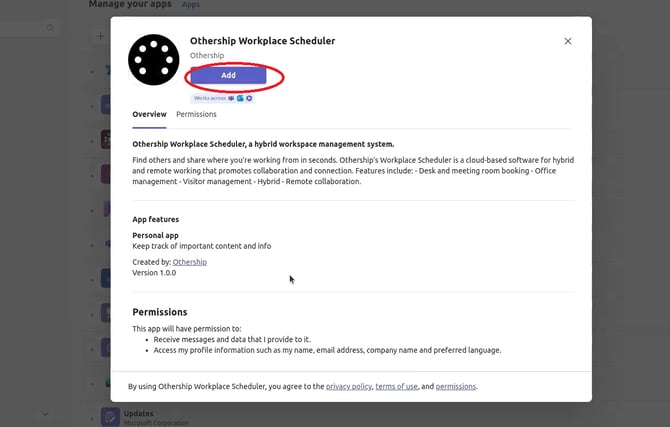
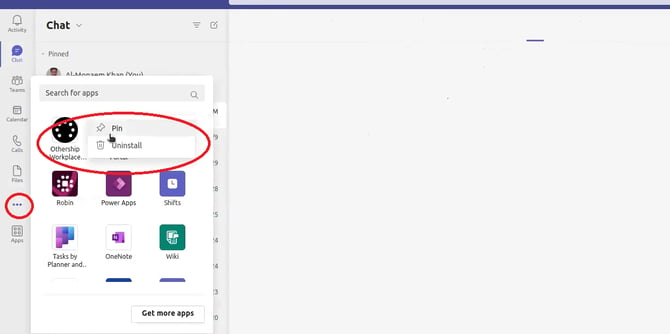
Step 9
Click on the  button to add and pin the Othership workplace scheduler app for easy access.