Step 1
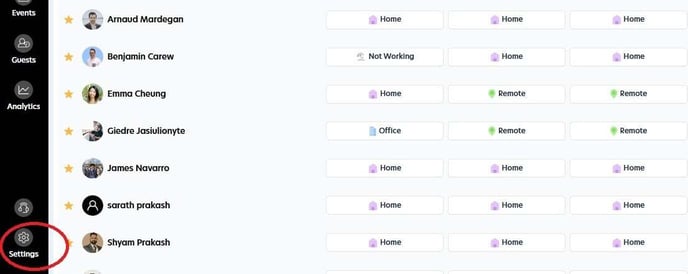
Head to the Settings menu.
Step 2
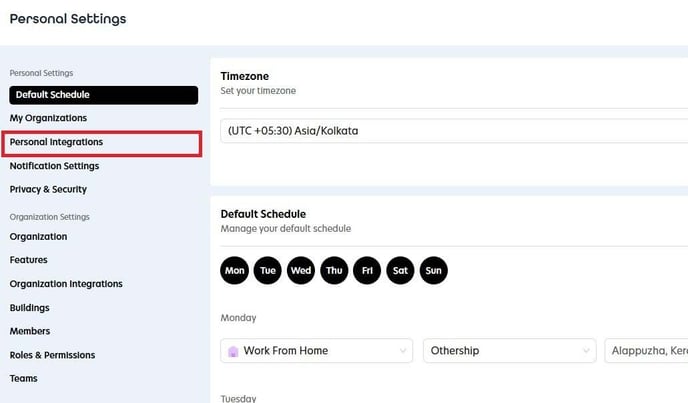
Select Personal Integrations.
Step 3
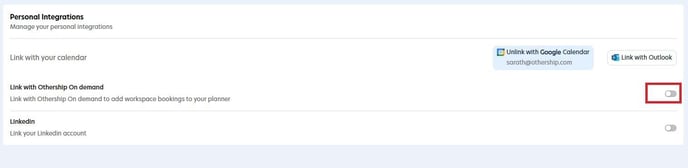
To connect your Workplace Scheduler with your On Demand account, simply toggle the switch next to the "Link with Othership On Demand" option to the right.
Step 4
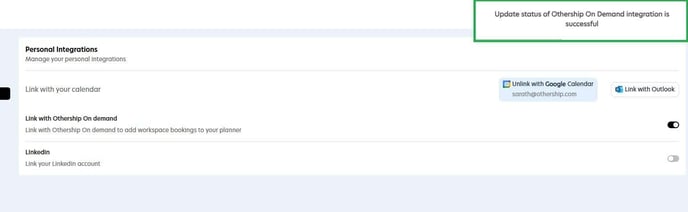
You may need to log in to your On Demand account in the pop-up window. After completing the login process, you will receive a notification confirming the successful connection.